Desktop
Chess Turtle
Chess Turtle is two small desktop apps in plain Python. One draws chessboards in different sizes and color themes with turtle graphics, and the other is a chess game where you can play a friend or a computer opponent.

 Source code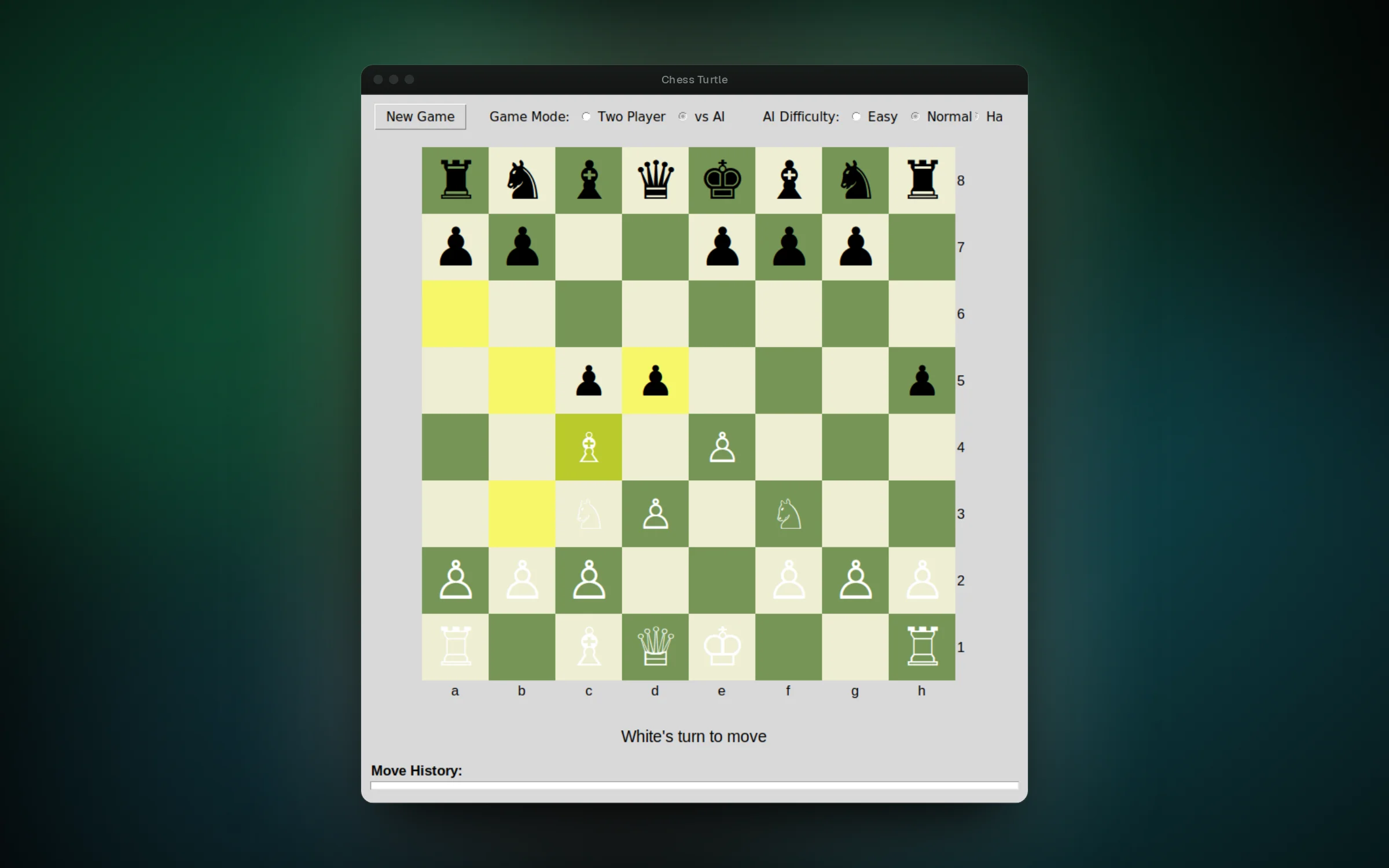
01 / 04Playing the AI, with legal moves highlighted for the selected piece
Overview
Chess Turtle started as a turtle graphics exercise and grew into a small chess project. It only uses libraries that ship with Python, so it runs anywhere Python does with nothing to install.
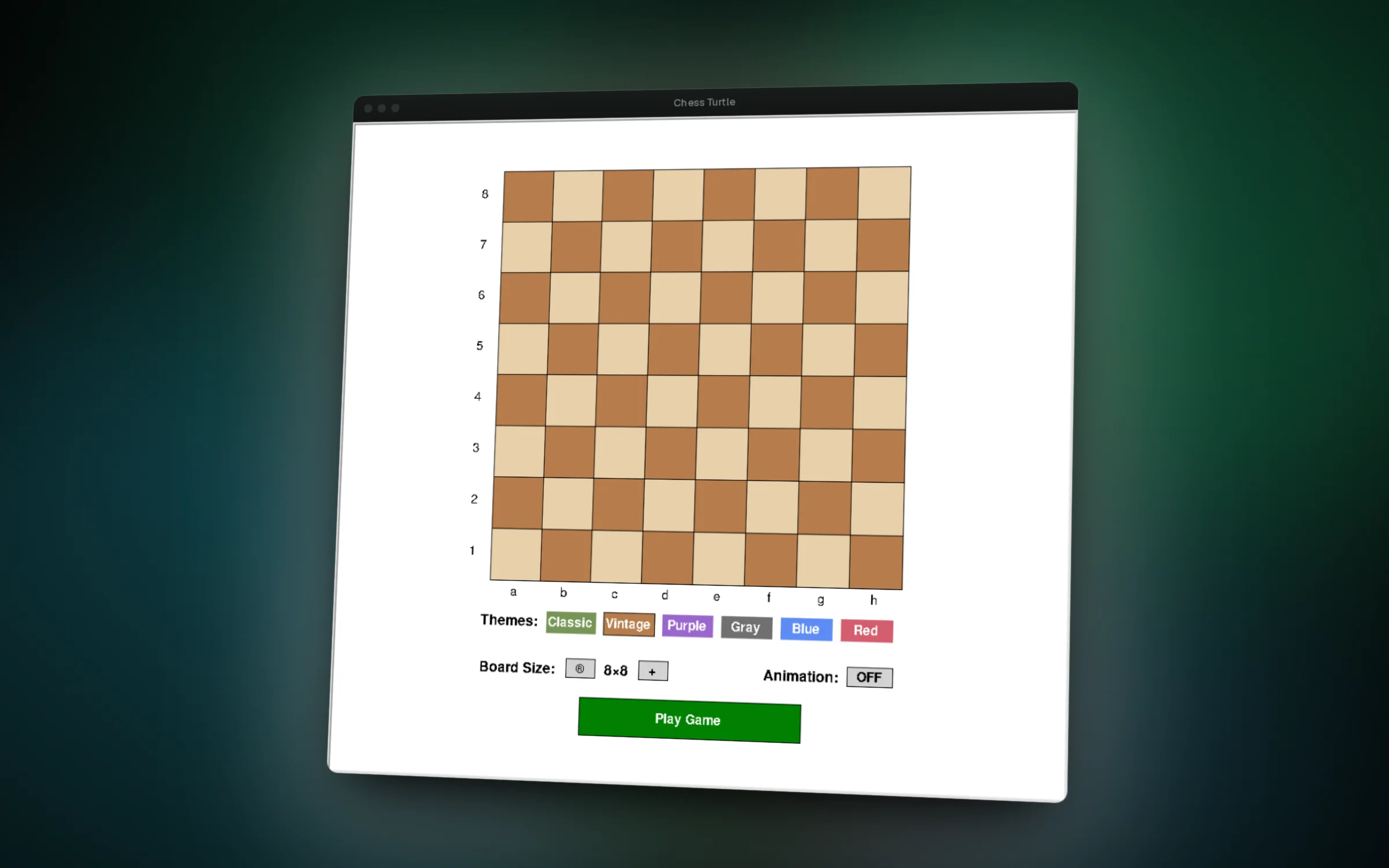
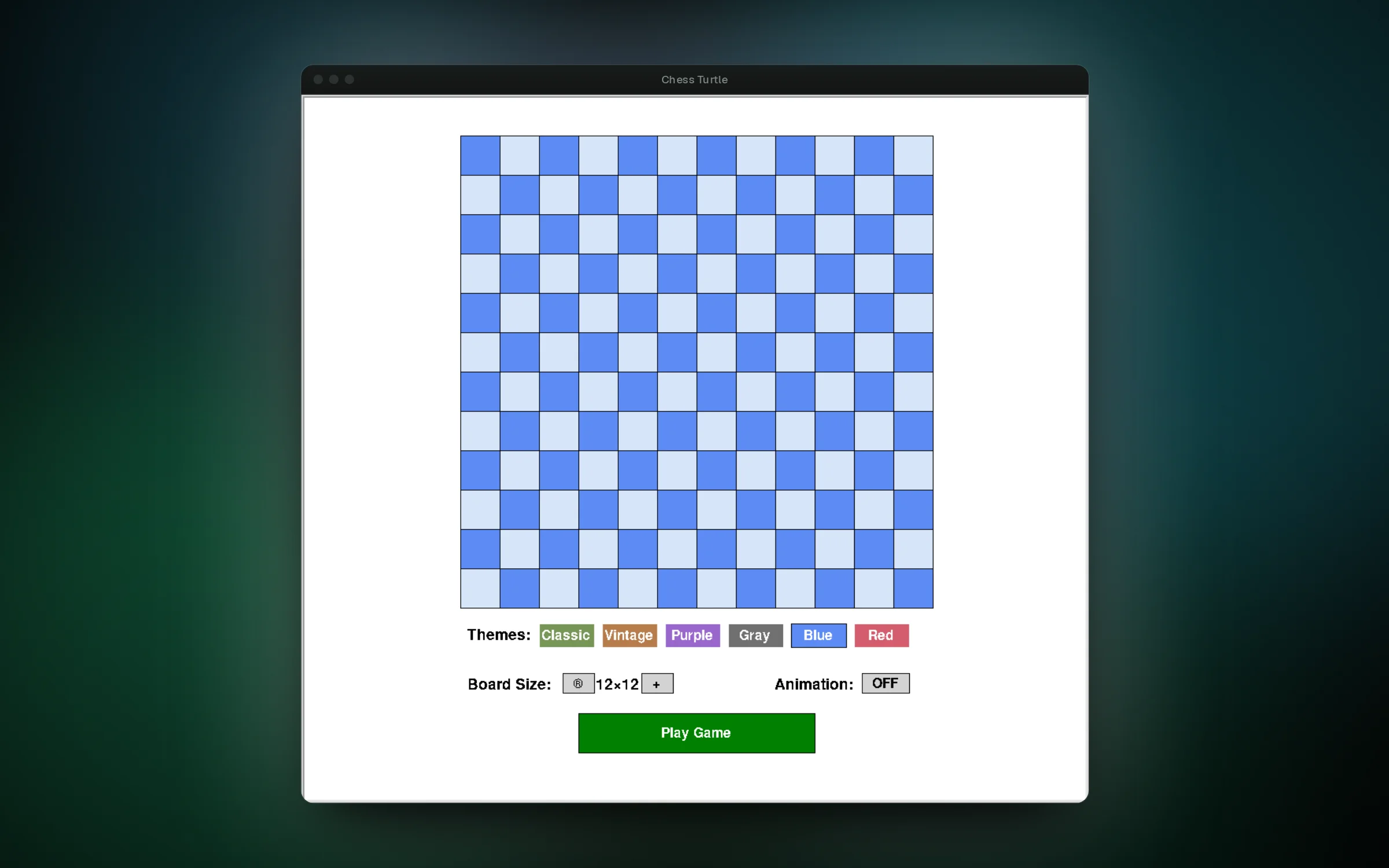
The board drawer draws boards from 4x4 to 16x16 in six color themes, with an optional animation that shows the turtle drawing each square. Its Play Game button opens the chess window with the same theme.
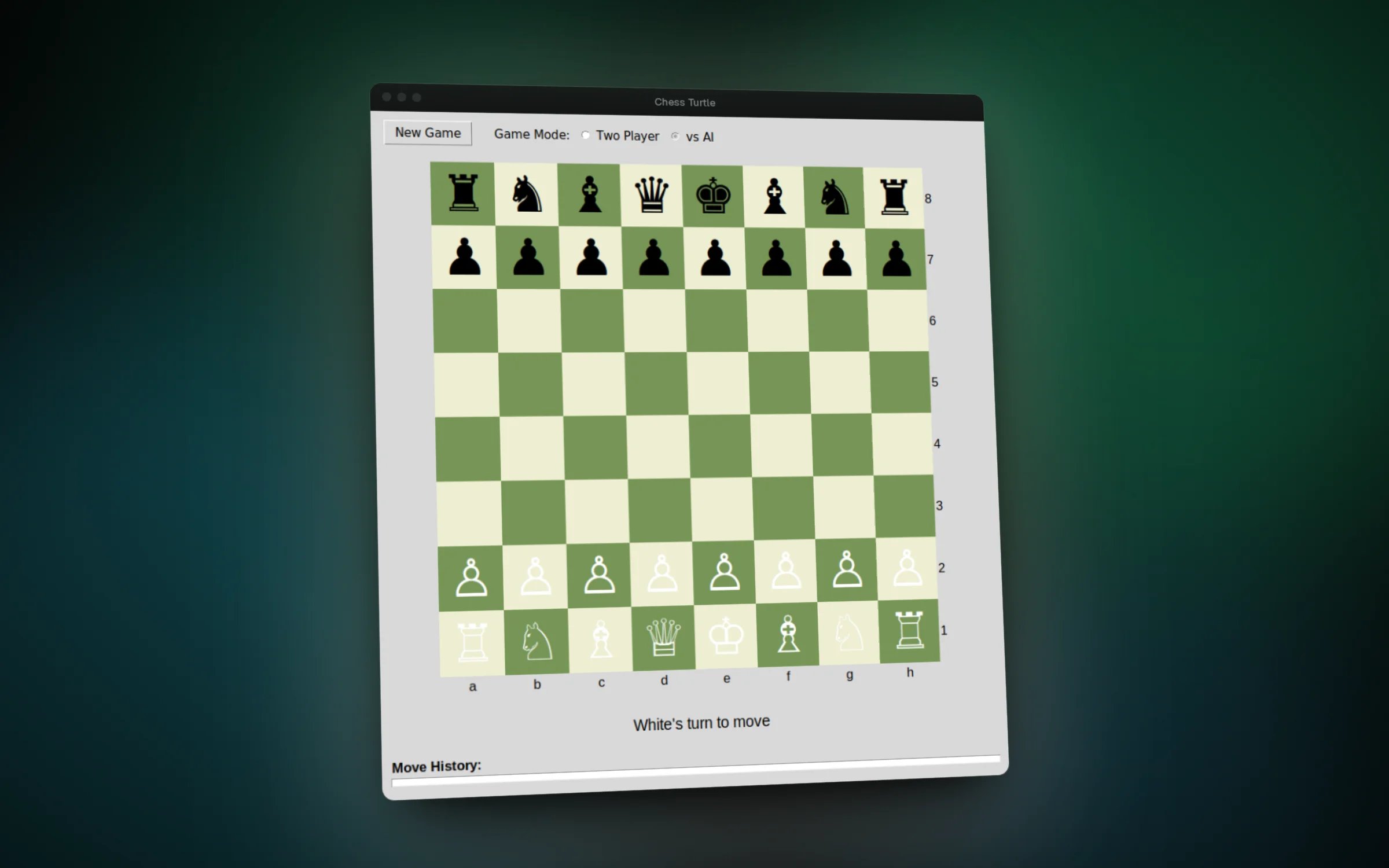
The chess game is built with Tkinter. Click a piece to see its legal moves, then play another person or switch to the AI on easy, normal or hard. Every move is written to a move history.
Features
- Draw boards from 4x4 to 16x16 in six color themes
- Watch the board being drawn square by square with animation on
- Play chess against a friend or an AI opponent
- Pick easy, normal or hard AI difficulty
- See every legal move for the selected piece highlighted
- Follow the game in a move history panel
Challenges
- Writing move rules for every piece, including blocked paths and captures
- Making difficulty feel different: easy plays random legal moves, harder levels score material, center control and piece safety
- Handling button clicks on a turtle canvas by checking click coordinates against drawn button areas
- Passing the chosen theme from the turtle drawer into the Tkinter game window