AI and Machine Learning
VisionAid
VisionAid turns a phone camera into a talking guide for people who are blind or have low vision. It reads text out loud, finds objects, describes the scene and warns about traffic, and it is driven by voice rather than by looking at a screen.

 Source code
Built for the 19th IEEE Student Day competition with supervisors from the University of Dubai.
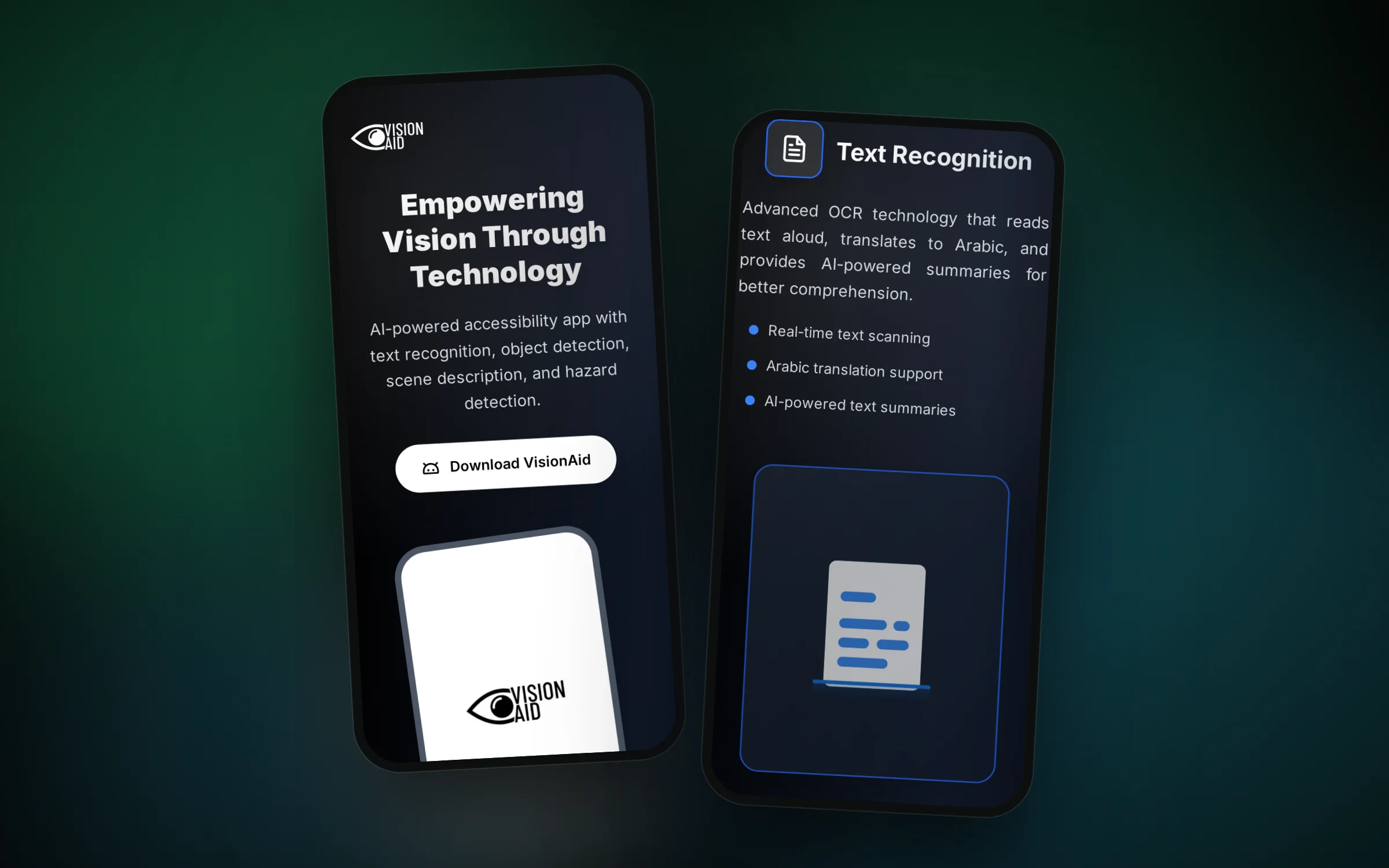
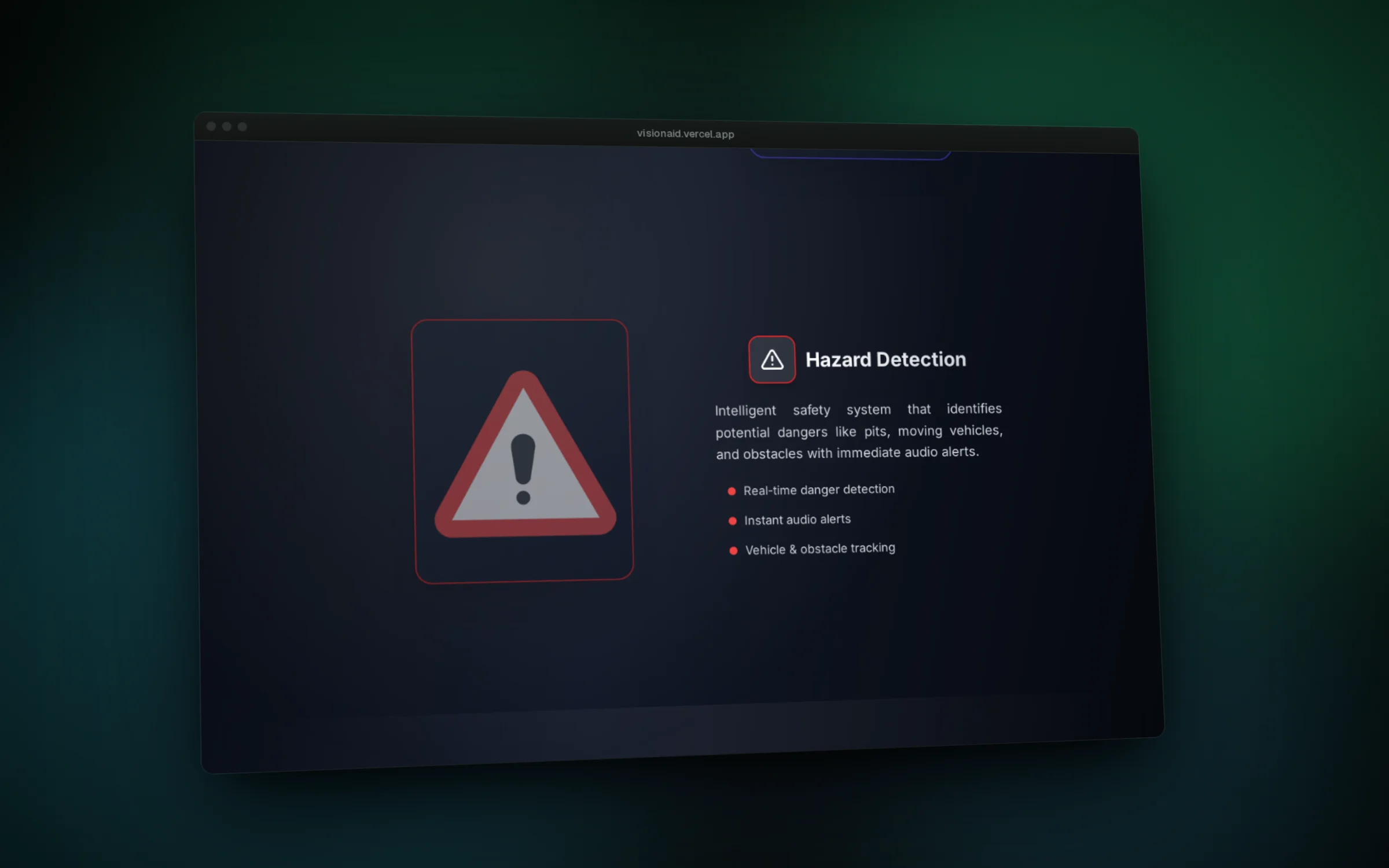
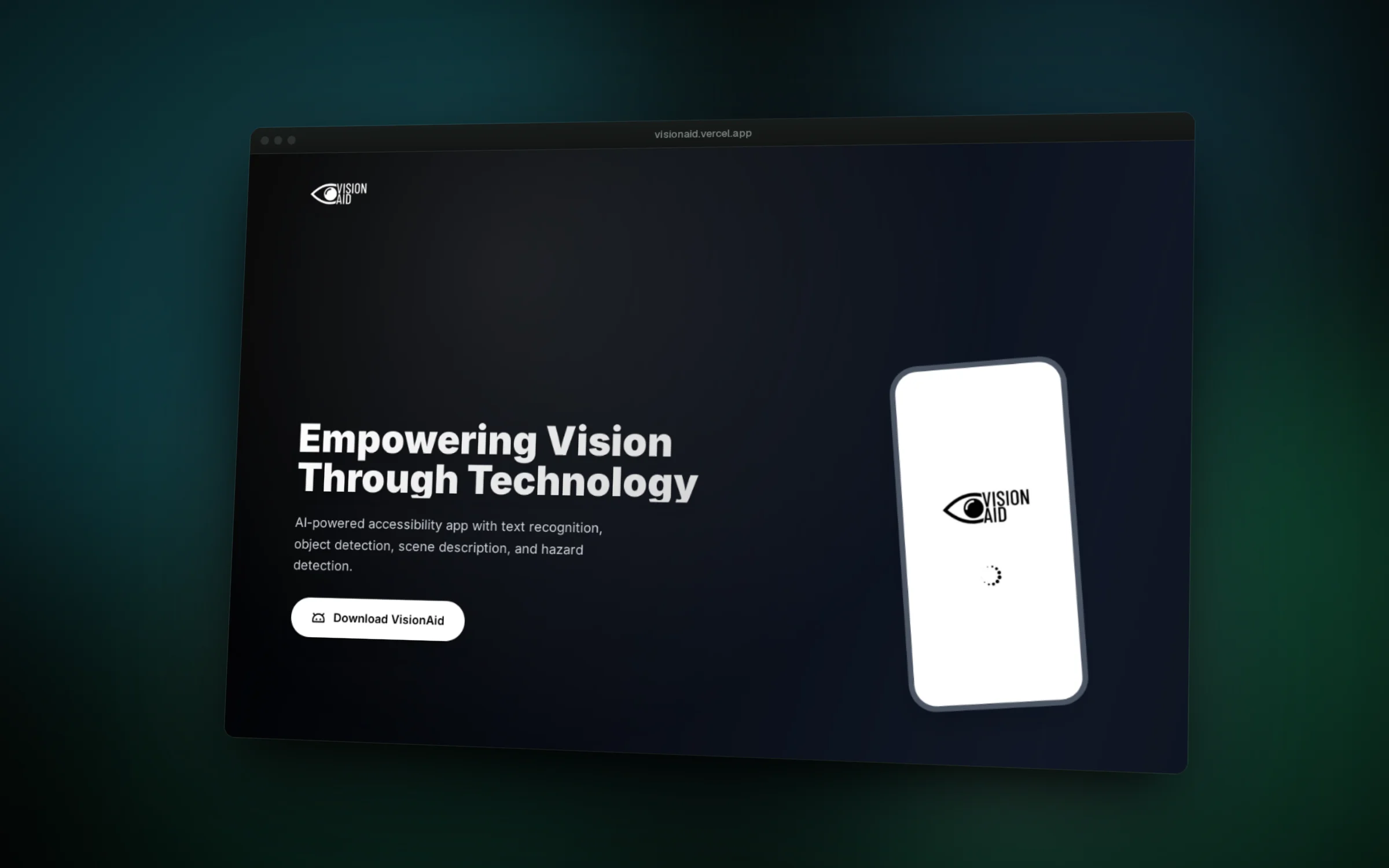
01 / 06The landing page on a phone
Overview
Everyday things like reading a letter, finding a chair or crossing a street near traffic are hard without sight. VisionAid puts help for those moments into one Flutter app that talks back instead of expecting the user to read a screen.
The user speaks a command and a small language model running on the phone decides which tool to open: reading text, finding an object, describing the scene or watching for hazards. Every answer comes back as speech, with vibration used for direction.
Object detection, hazard detection and scene recognition run on the phone with TensorFlow Lite models. Gemini is used where language matters: cleaning up scanned text, writing summaries and turning a camera frame into a natural description. The app was built by a student team for the 19th IEEE Student Day competition, supervised by faculty from the University of Dubai.
Features
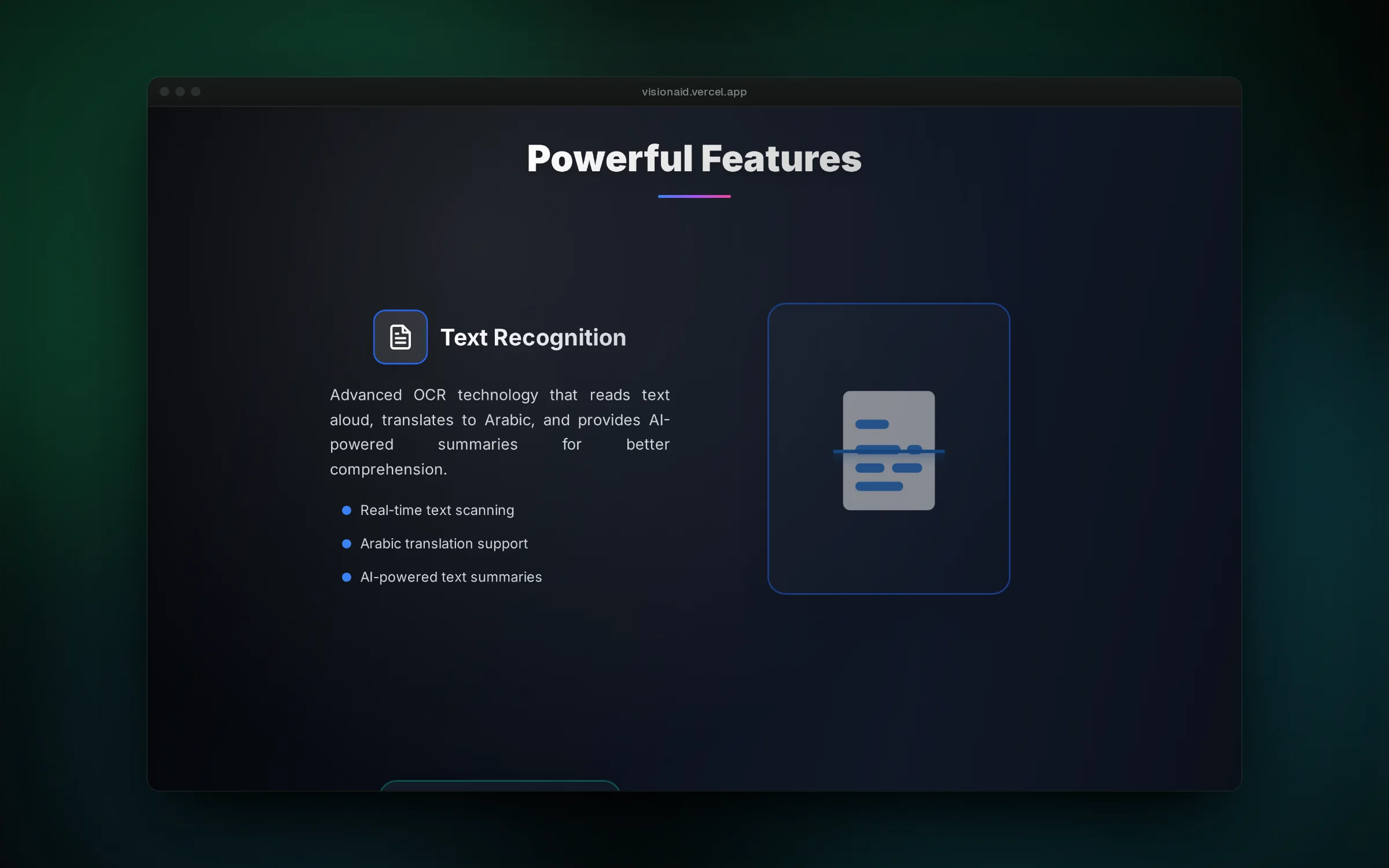
- Point the camera at a page and hear the text read aloud, with an Arabic translation or a short summary on request
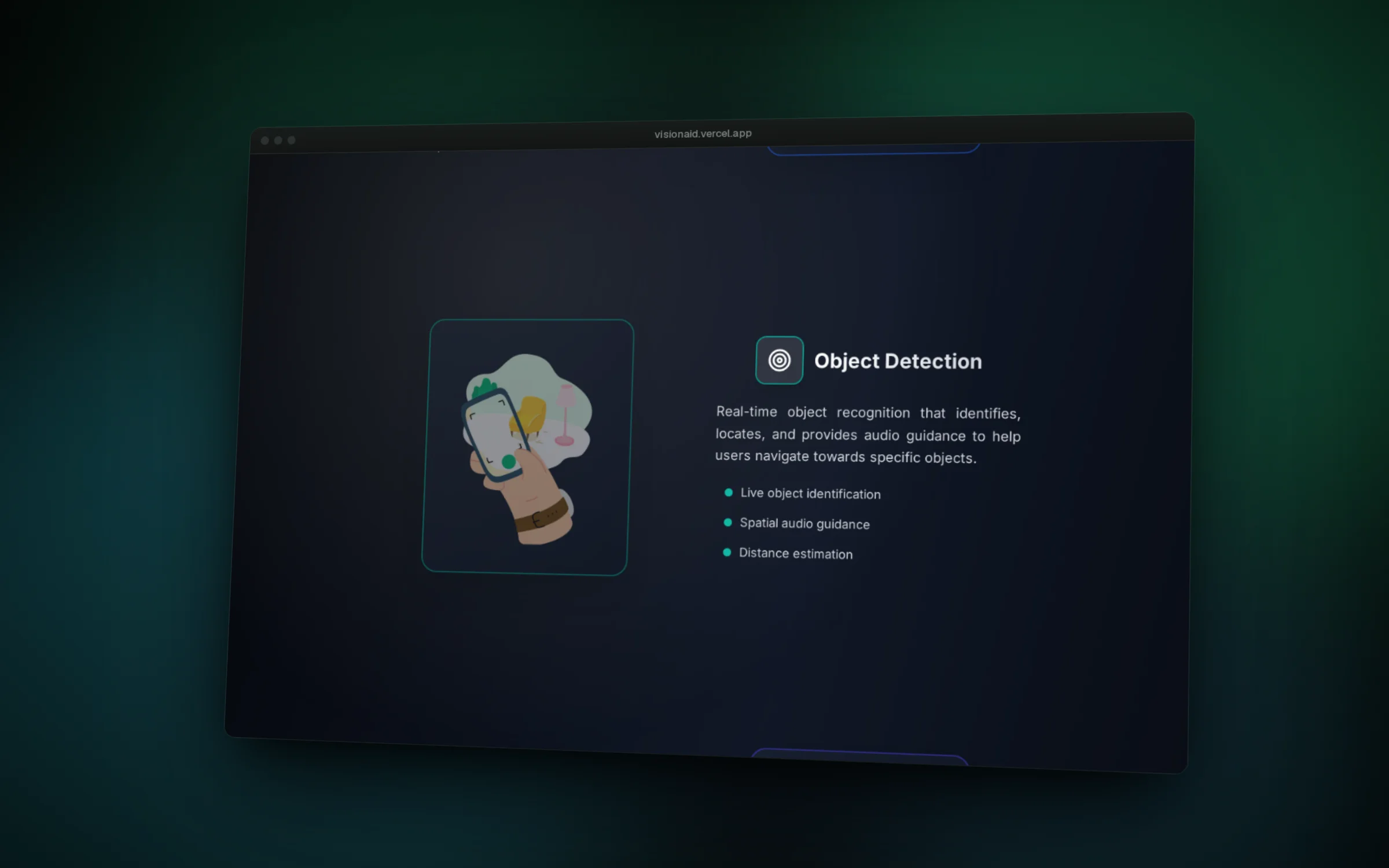
- Say what you are looking for and get spoken and vibration cues that guide you toward it
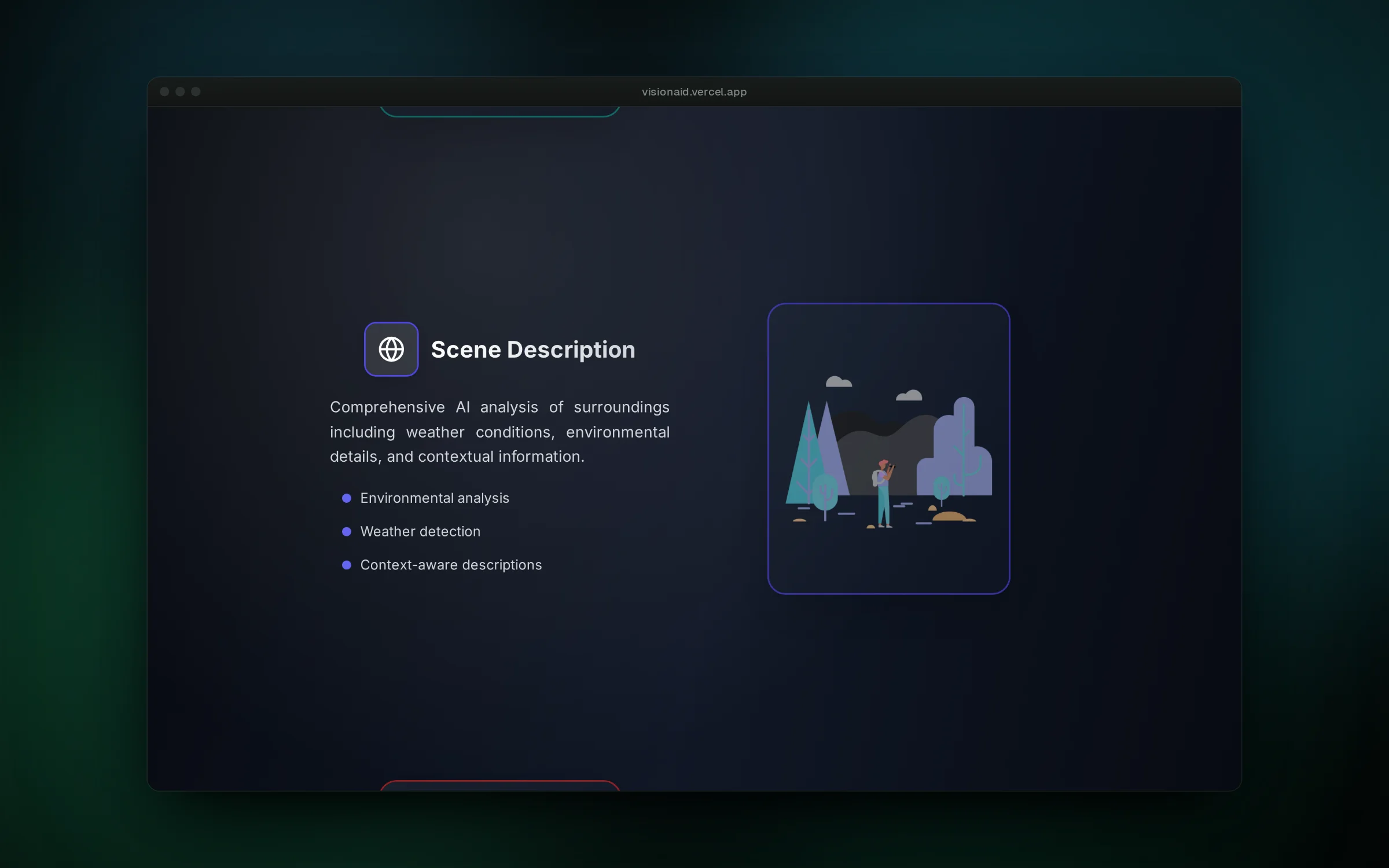
- Ask what is around you and hear a description of the place, including the current weather
- Get an immediate spoken warning when a car, cyclist or pedestrian is in your path
- Control the whole app by voice, and long-press any button to hear its name
- Use the interface in English or Arabic
Challenges
- Running a YOLO11 object detector on live camera frames on a mid-range phone, using a float16 TensorFlow Lite model and throttling spoken guidance so the user is not flooded with repeated messages.
- Raw OCR output from signs and packaging is noisy, so a Gemini pass filters the recognized text before it is read aloud, instead of speaking every stray character.
- Mapping free-form speech to app actions without a network round trip, by training a small text classifier in Python and shipping it with its tokenizer as a TensorFlow Lite model inside the app.
- Designing an interface that works without looking at it: large targets, spoken labels on long-press, audio and haptic feedback for every state change.